What does a logo animation maker do?
Give a still logo a beginning, a movement and a moment to settle.
From gathering particles to a settled mark
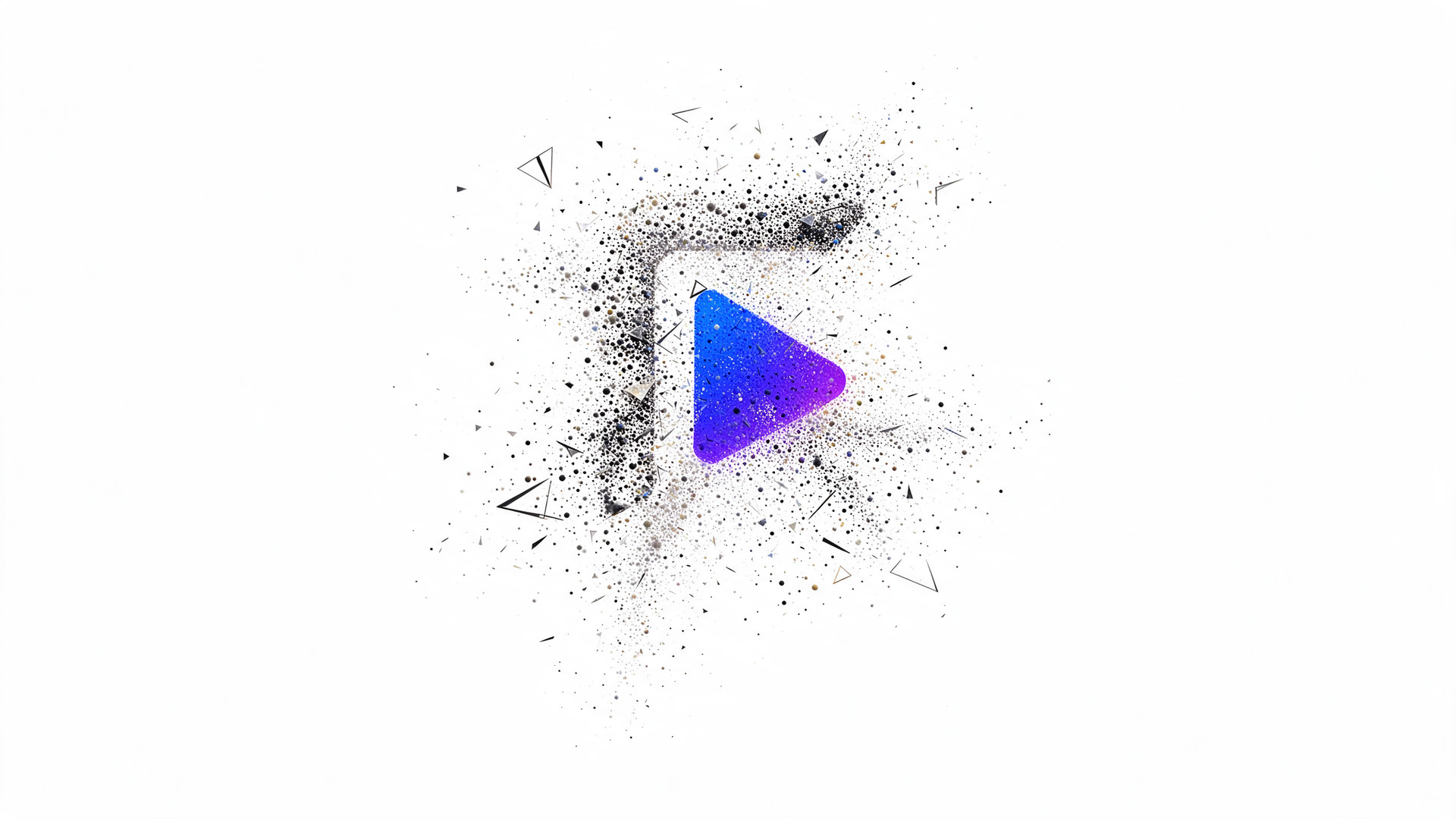
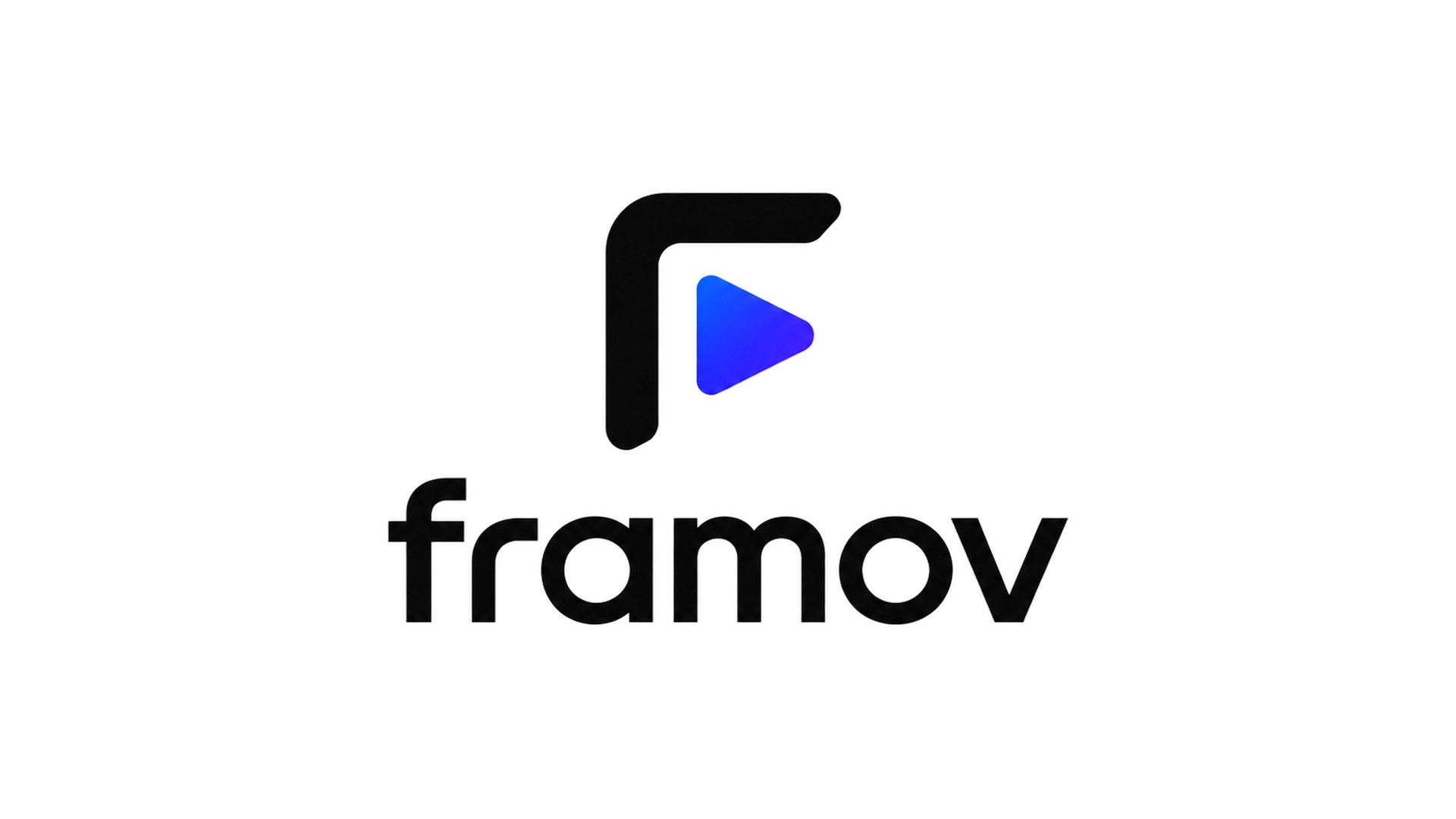
The opening still already holds a blue-to-purple play triangle among loose black particles on a clean white field. After shows the approved lockup: a black F-shaped frame, the same triangle, and a lowercase framov wordmark. In the logo animation maker, those two images define the shot. Your brief describes what happens between them.
The particles gather into the frame, the original colors stay with the mark, and the wordmark settles in the center. This sample was generated with Kling 2.5 Turbo for five seconds. It is a working example from the logo animation maker, not an official output from another studio’s tool.
Showing how the whole package changed, not just the mark? Turn the old and new packaging photos into a before and after video.
Five-second logo reveal connecting the supplied first and last frames. Begin exactly on the first frame and finish exactly on the last frame. Locked, front-facing camera; keep the clean simple white background and the centered layout. The official Framov colors must stay consistent with the last frame: black F-shaped frame, blue-to-purple play triangle, lowercase framov wordmark. The mark appears from nothing with a professional commercial rhythm, using particle aggregation, light sweeping, or geometric recombination, with smooth elastic motion and a light sweep that adds brief highlights on the surface. End with the completed lockup stable at center, matching the last frame, with only a slight breathing motion. No camera move, no scene change, no other text, no product or food transformation.
Sample: Kling 2.5 Turbo · 5s. This copies the prompt and does not change the model, duration, resolution or aspect ratio in the editor.
Make your first logo reveal
Start with two stills that could belong to the same shot.
Set the opening
Upload your starting artwork to Before. It might be a partial emblem, a field of particles or a material that has not yet taken shape. If the opening crops a letter, the logo animation maker has little guidance about how that letter enters.
Place the finished mark
Upload the approved artwork to After. Align the baseline and margins with the first image if the camera should stay still. Prepare both files on the intended background. Check the smallest letters at viewing size before spending a render on an unreadable design.
Describe the movement
Write one physical action and one ending instruction. Try “the particles gather into the frame, then rest” before adding a camera move. Choose a supported model, duration, resolution and aspect ratio in the logo animation maker. Check the credit estimate after changing a setting.
Review the cut
Select Generate, then play the result in the preview. Pause near the middle to inspect the lettering, then compare the ending with After. Download a successful take and keep the original artwork alongside it for final approval.
A gallery of logo reveals
Explore three directions for the same brand mark, from a color-true particle gather to glass and contour lines.
Direct the details that carry your identity
Choose the first impression
A deliberate Before image gives the logo animation maker a specific surface, color and framing from which to begin.
Anchor the ending
An approved After image gives you a reference for judging letter spacing, silhouette and the clear space around the finished mark.
Keep the action readable
A single motion brief lets you ask for a gathering, a material change or a line-drawn ident while the background and small type stay under control.
Frame for the placement
Pick a supported portrait, square or landscape ratio in the logo animation maker to suit the space where the clip will appear.
Leave time to read
Set a duration that gives the movement time to resolve and the audience a chance to recognize the brand.
Compare the cost
The logo animation maker displays the credit estimate for your selected settings so you can budget for another take.
Three places to put an animated logo to work
Open a title sequence with a color-true reveal
A brand ident can begin with the colors already present in the mark. Here, the opening still keeps the blue-to-purple play triangle while black particles gather into the F-shaped frame. The logo animation maker holds the camera still until the lowercase wordmark is settled and readable.
Cut from that hold into the first shot of the film. If the letters still move at the cut, shorten the ending instruction and ask for an earlier stop.
Sample: Kling 2.5 Turbo · 5s. This copies the prompt and does not change the model, duration, resolution or aspect ratio in the editor.
Give a launch film a glass material
For a product film, start with an unformed mass of liquid glass and finish on the approved lockup in the same material. Use the logo animation maker to let the glass flow, refract and solidify, with only a small camera nudge if you need depth.
Check the wordmark against the After still. A tighter brief can help the letters settle after any mid-motion distortion.
Sample: Kling 2.5 Turbo · 5s. This copies the prompt and does not change the model, duration, resolution or aspect ratio in the editor.
Draw an ident before the doors open
A venue screen can introduce the mark as contour lines on a dark field. Start with incomplete traces and end with the finished emblem and wordmark. Give the logo animation maker a locked camera and a single drawing action the audience can follow.
Preview the cut from the back of the room or at thumbnail size. If bright edges bloom, keep the background dark and ask for a cleaner hold on the final frame.
Sample: Kling 2.5 Turbo · 5s. This copies the prompt and does not change the model, duration, resolution or aspect ratio in the editor.
Pick a motion brief for your mark
Load a starting direction into the logo animation maker and adapt the action to your artwork. Copying a prompt fills the editor text and does not change the model, duration, resolution or aspect ratio.
Color-true reveal
Five-second logo reveal connecting the supplied first and last frames. Begin exactly on the first frame and finish exactly on the last frame. Locked, front-facing camera; keep the clean simple white background and the centered layout. The official Framov colors must stay consistent with the last frame: black F-shaped frame, blue-to-purple play triangle, lowercase framov wordmark. The mark appears from nothing with a professional commercial rhythm, using particle aggregation, light sweeping, or geometric recombination, with smooth elastic motion and a light sweep that adds brief highlights on the surface. End with the completed lockup stable at center, matching the last frame, with only a slight breathing motion. No camera move, no scene change, no other text, no product or food transformation.
Kling 2.5 Turbo · 5s
Sample: Kling 2.5 Turbo · 5s. This copies the prompt and does not change the model, duration, resolution or aspect ratio in the editor.
Liquid glass
Five-second liquid-glass logo reveal connecting the supplied first and last frames. Begin exactly on the first frame and finish exactly on the last frame. This is a condensed single continuous shot, not a multi-cut sequence and not a full 360-degree orbit. Keep a clean dark background. The unformed liquid glass in midair flows, shows realistic surface tension, refraction, transmission, faint internal light and edge dispersion, then solidifies into the finished glass Framov mark and lowercase framov wordmark in the last frame. A small, gentle orbital nudge around the forming logo is allowed; do not cut between angles, do not do a full circling move, and do not change the scene. Light may cast subtle caustics. At the end the logo is stable at center, matching the last frame, with only a faint liquid breathing on the glass surface. No extra text, no product or food transformation.
Kling 2.5 Turbo · 5s
Sample: Kling 2.5 Turbo · 5s. This copies the prompt and does not change the model, duration, resolution or aspect ratio in the editor.
Contour-line ident
Five-second animated logo ident connecting the supplied first and last frames. Begin exactly on the first frame and finish exactly on the last frame. Keep a locked, front-facing camera and preserve the deep ink-navy background, centered layout, line weights and electric-cyan palette throughout. Cyan topographic contours advance smoothly like elevation traces being plotted, bending and aligning without cuts until they form the Framov F-frame and play-triangle emblem. A restrained accent may travel through the mark. Small plotted nodes may briefly illuminate at intersections, then dissolve. In the final second the completed emblem settles at center and the exact lowercase wordmark framov draws on beneath it in a clean white sans-serif, ending sharp, stable and fully legible on the last frame. Do not write SILTLINE or any other word. Controlled vector motion, smooth easing, crisp edges, subtle bloom only. No camera movement, no scene change, no particles, no liquid simulation, no extra symbols, no tagline, no interface.
Kling 2.5 Turbo · 5s
Sample: Kling 2.5 Turbo · 5s. This copies the prompt and does not change the model, duration, resolution or aspect ratio in the editor.
Logo animation maker questions
Which image belongs in each slot?
Before is the opening frame. After is the intended final frame. To reveal a mark on a package, start with the blank package and finish with the branded one. To take the logo away, reverse those images and describe the removal in your prompt.
Can I use an SVG or a layered design file?
Export your design as a PNG, JPEG or WebP first. The logo animation maker takes a still image in each slot. Keep your editable master so that any changes to letter shapes, kerning or brand colors can be made in the original design.
How do I protect small lettering?
Keep a legible reference and check the result against it. Fine strokes can drift during motion. For an exact legal line or trademark notice, place the approved artwork over the final hold in your editor. Check the frame against your brand guidelines before signing off on delivery.
Can I make an intro for a vertical screen?
Yes. Choose a portrait ratio supported by your model. Compose both stills for that frame before using the logo animation maker. Keep essential lettering away from the edges and check the finished clip beneath the captions or controls of its intended placement.
Does loading a prompt use credits?
No. Copy prompt fills the editor with the sample brief and leaves the model, duration, resolution and aspect ratio unchanged. Generation requires an account and sufficient credits. Review the amount beside Generate after choosing your settings, especially when comparing versions with different durations or resolutions.
Can I make a seamless loop?
You can plan a loop by supplying matching endpoints and asking for one returning movement. Play the downloaded clip twice in succession to inspect the join. The logo animation maker can interpret the middle differently on each run, so inspect both timing and position.
What should I do if generation fails?
Read the error in the editor. Check that both images open, that your session is active and that you have enough credits. If a job has already started, check its status before submitting the same brief again.
How do I hand off the finished clip?
Download the result and send it with the approved final artwork. Include the intended crop and the point where the editor should cut away. Save your reference images and motion brief so the next version of the brand intro starts from the same decisions.