AI motion between two images
What Is Two Frames to Video?
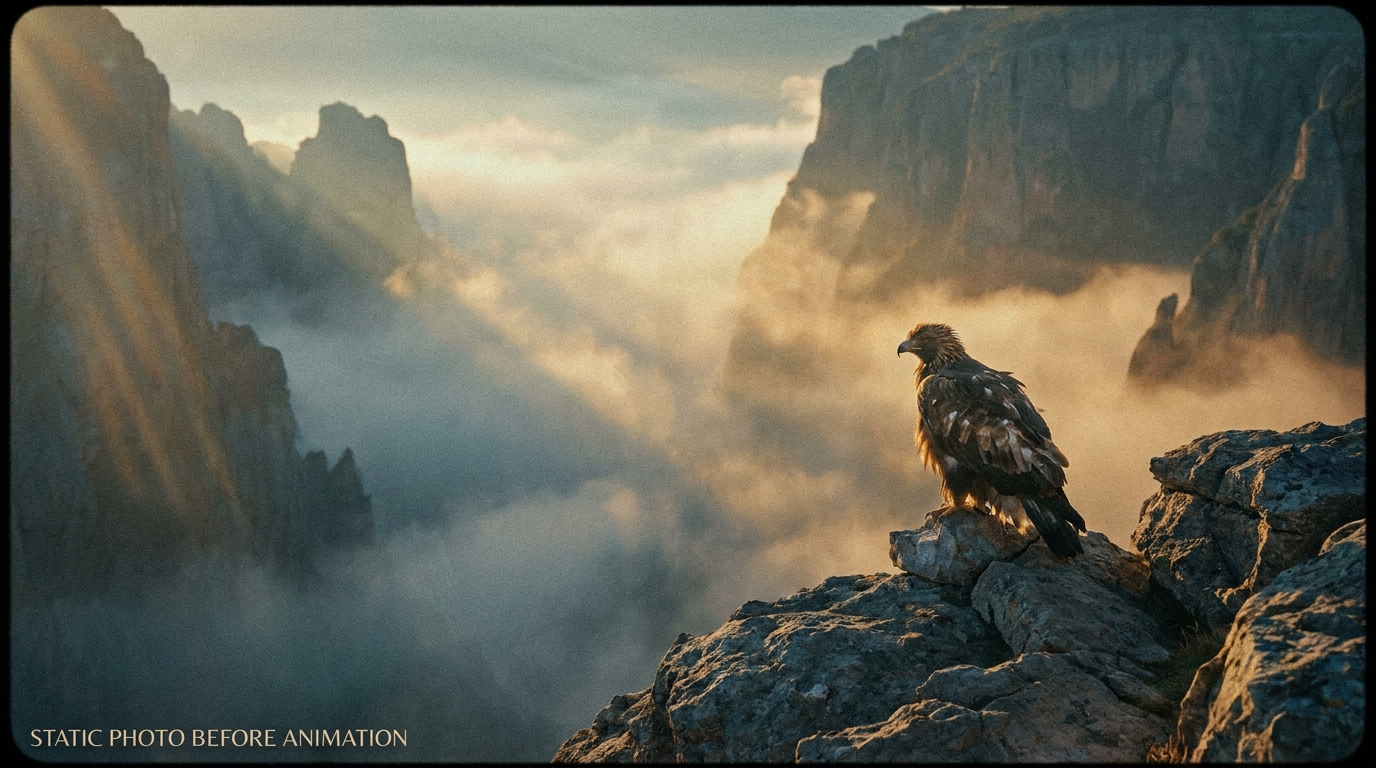
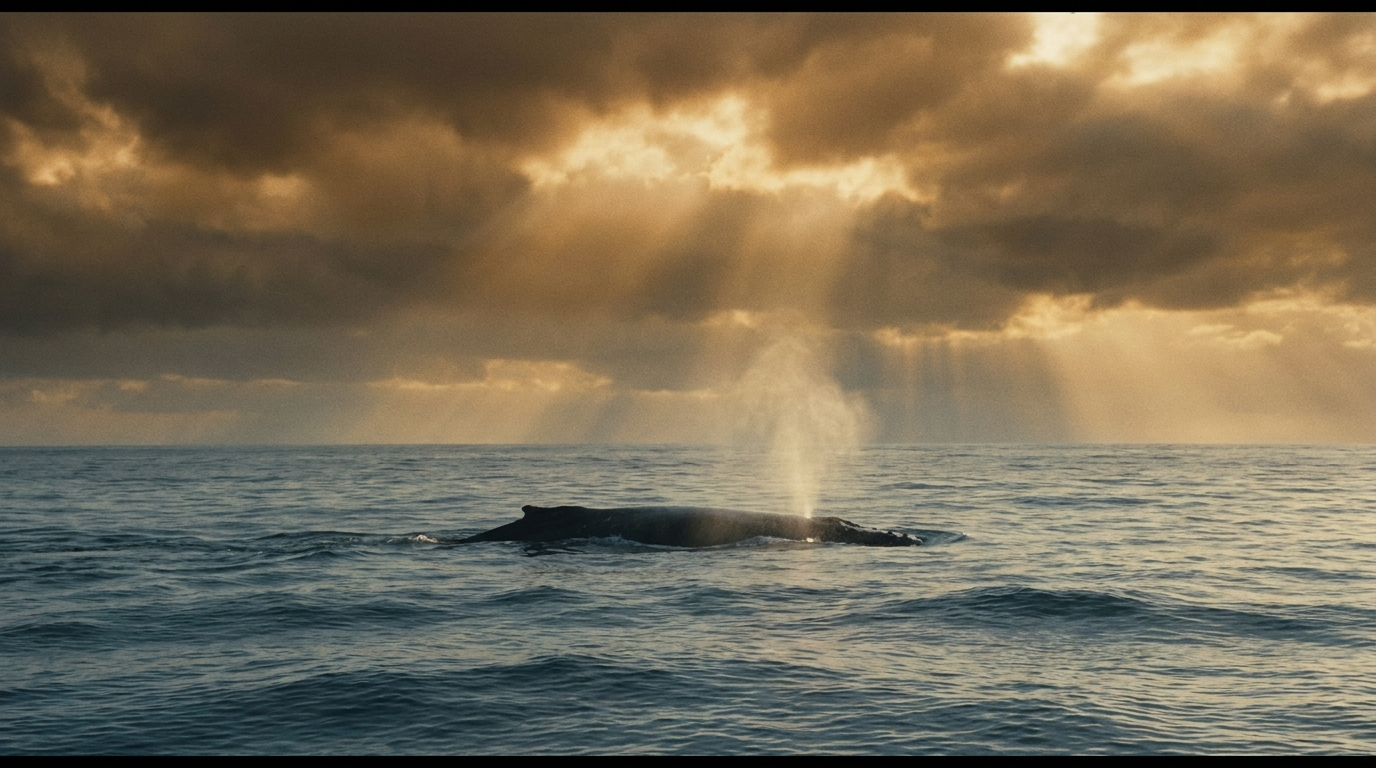
Two frames to video is an AI workflow that turns two still images into a moving sequence. You upload frame one and frame two, describe the action or transition you want, and the model creates new video frames that connect the images. The result is different from a slideshow or a basic crossfade because the AI attempts to invent continuous subject motion, camera movement, environmental change, and visual transformation between the two references.
The two uploaded pictures can be closely related or creatively different. They might show the same person in two poses, a product before and after assembly, two views of a room, or an illustration and its realistic interpretation. A two frames to video generator uses both images as visual evidence, but the prompt explains how the change should unfold. This combination gives you more direction than single-image animation while leaving room for the model to create the in-between action.
Framov supports a dedicated two-image workspace and an optional multi-frame mode. In standard mode, the first two frames define the main transition. In multi-frame mode, additional ordered references can guide a longer visual sequence. The interface keeps the frame order visible, lets you move references earlier or later, provides ratio and duration controls, shows the estimated credit cost, and preserves the draft when an unauthenticated user signs in before generating.
Step-by-step workflow
How to Turn Two Frames Into a Video
A strong result begins with a clear relationship between the images and a prompt that describes change over time. Follow these steps to give the model useful visual and motion instructions.
- 01
Choose frame one
Upload the image that should introduce the sequence. It establishes the initial subject, setting, style, and camera position. Use a source with enough detail to remain clear after cropping into the selected output ratio.
- 02
Choose frame two
Upload the image the transition should move toward. It can show a later action, a different design, a new location, or a transformed subject. The more intentional the relationship, the easier it is to write a useful motion prompt.
- 03
Describe the transition
Tell the AI what happens between the two pictures. Describe subject action first, then camera motion, pacing, environmental response, and any identity or composition that must stay consistent. Avoid using the prompt as two separate image captions.
- 04
Set the format and generate
Choose the aspect ratio and duration that fit the destination platform. Review the credit estimate and start generation. Framov uploads the references in their visible order and tracks the video task until a playable result is available.
Practical applications
Creative Ways to Use Two Images to Video
Two-image generation works best when the relationship between frame one and frame two communicates an idea. The following use cases turn that relationship into a specific kind of motion.
Before and after stories
Connect an original and updated state for renovation, styling, restoration, fitness, landscaping, or design work. Generated motion makes the comparison feel like a transformation instead of two disconnected photos.
Product reveals
Move from packaging to product, sketch to prototype, raw material to finished object, or neutral angle to campaign hero shot. A controlled camera move can make the reveal feel designed for advertising.
Character transformations
Turn a character from one costume, age, expression, or artistic style into another. Keep the face and composition readable in both images, then describe whether the change should feel magical, mechanical, natural, or cinematic.
Location transitions
Connect two environments through a doorway, whip pan, match cut, flight, zoom, or weather event. The prompt should name the transition device so the model has a reason for the scene to change.
Artwork animation
Use two stages of an illustration, concept design, painting, or graphic composition. AI can create line growth, color development, depth, parallax, or material changes that reveal the creative process.
Social video hooks
Create a short visual question in the first frame and deliver the answer in the second. The generated middle provides anticipation, making the format useful for vertical posts, launch teasers, thumbnails, and short campaign clips.
How AI Animates Between Two Images
The model does not retrieve missing frames from an existing video. It predicts a new sequence based on the visual information in both images and the written prompt. It must decide how subjects move, how shapes transform, how the camera travels, and how occluded areas should appear. This is why two images with a clear visual relationship tend to produce smoother results than references with no shared subject, scale, color, or spatial logic.
Creative difference is still valuable. The two frames can show a dramatic transformation if the prompt provides a mechanism for it. A building can assemble from floating parts, a portrait can become a painted character, or a desert can flood into an ocean. Name the cause of the transition, describe its direction, and say what should remain stable. The more surprising the change, the more important it is to give the AI a readable sequence rather than a list of visual adjectives.
Frame order changes meaning. If you swap the two images, an opening action becomes a closing action, assembly becomes disassembly, and a zoom-in becomes a pullback. Framov labels the first and final references and provides ordering controls in multi-frame mode. Review the sequence before generating, especially when filenames or thumbnails look similar. Correct ordering is one of the simplest ways to avoid an otherwise technically successful but conceptually reversed video.
Practical examples
Two Frames to Video Prompt Examples
A practical prompt explains the motion that cannot be inferred from the still images alone. These examples show different transition mechanisms and pacing choices.
The camera passes behind the foreground column, using it as a natural wipe that reveals the second location, with continuous forward movement and matched lighting.
The character spins once as the outfit transforms piece by piece into the design shown in frame two, preserving the same face, body proportions, and background.
The flat package unfolds mechanically, panels lock into place, and the product rises to the center while the camera makes a slow commercial push-in.
Painted lines spread across the paper, fill with color, gain depth, and become the realistic object in the second frame as the camera remains overhead.
A fast whip pan creates motion blur between the two city scenes, then the camera slows and stabilizes on the exact subject position in frame two.
The empty room assembles in a clean time-lapse: walls finish, furniture slides into position, lights turn on, and motion settles on the completed interior.
Two Frames to Video vs. First and Last Frame Generation
The technology behind these workflows overlaps, but the search intent is different. Two frames to video emphasizes creating motion or a transformation between two pictures. It is often chosen for two-photo animation, style changes, reveals, and imaginative transitions. First and last frame to video emphasizes boundary control: the creator has a planned opening and a planned ending that the generated clip should respect.
Choose this page when the relationship and in-between action are the main creative idea. Choose the first-and-last-frame workflow when precise start and end composition is the priority. Choose image to video for one visual reference, or text to video when you want the model to create the entire scene from language. Keeping those intents separate helps you use the right amount of control without adding unnecessary inputs.
Continue with first and last frame to video, image to video or video frame extractor when that workflow better matches the source material and level of control you need.
Tips for Better Two-Frame Transitions
Create a visual bridge
Look for a shared subject, shape, color, horizon, camera direction, or composition. A visual bridge gives the model a stable feature to carry through the transition.
Name the transition device
Specify whether the change happens through movement, morphing, a camera wipe, a zoom, an orbit, a burst of particles, a lighting change, or another readable event.
Keep the prompt chronological
Write what happens first, in the middle, and at the end. Chronological language is more useful than separate descriptions of image one and image two.
Test one variable at a time
If a draft is unstable, simplify the camera or subject action before changing every setting. Controlled iteration makes it easier to identify which instruction improves the sequence.
Questions and answers
Two Frames to Video FAQ
Can AI turn two frames into a video?+
Yes. AI can use two uploaded images as references and generate new motion between them. The model analyzes both frames, follows the written transition prompt, and predicts a sequence that connects the first visual state to the second. The result is generated animation, not merely a slideshow or automatic crossfade.
How do I animate between two images?+
Upload the images in playback order, describe the subject action and transition mechanism, choose the aspect ratio and duration, and generate the clip. For smoother motion, use compatible source images and explain any major change in camera position, scale, lighting, environment, or character appearance.
What is the best prompt for two frames to video?+
Start with the main action, then add camera movement, transition style, pacing, and continuity requirements. A useful prompt might say that the camera orbits slowly while the product unfolds, reflections move naturally, identity remains consistent, and motion settles into the composition shown in frame two.
Do the two frames have to show the same subject?+
No. Different subjects or locations can work when the transition has a clear creative mechanism, such as a doorway wipe, match cut, morph, zoom, particle transformation, or whip pan. When the images are unrelated, explain why and how one scene should become the other instead of leaving the change undefined.
Is two frames to video just a photo slideshow?+
No. A slideshow displays existing photos in sequence and may add a crossfade or pan. Two frames to video generates entirely new intermediate frames, so subjects can move, objects can transform, cameras can travel, and environments can change continuously between the two uploaded references.
Can I use more than two frames?+
Yes. Turn on Multi-Frame Mode to upload additional ordered images. The first and last images anchor the sequence, while middle references provide more visual guidance. Keep the order intentional, use the move controls when needed, and write a prompt that explains how the sequence progresses across all references.
Why is my two-image transition distorted?+
Distortion often comes from extreme differences in subject scale, pose, orientation, cropping, or scene geometry. Try frames with a stronger visual bridge, simplify the action, match the output ratio, and describe the transformation mechanism. A longer duration may help when the model needs to complete a large visual change.
What can I make with two photos to video?+
Common projects include before-and-after stories, product reveals, outfit changes, character transformations, artwork progressions, location transitions, renovation videos, social hooks, and branded campaign clips. The format is most effective when the two pictures already communicate a meaningful relationship or contrast.
Turn Two Frames Into a Video With AI
Choose two images with a clear relationship, describe the transition in chronological order, and generate the motion between them. Start with one focused action, then refine the camera, pacing, and continuity after reviewing the first result.
Open Tool